
via Instagram http://ift.tt/1Ul3qHV




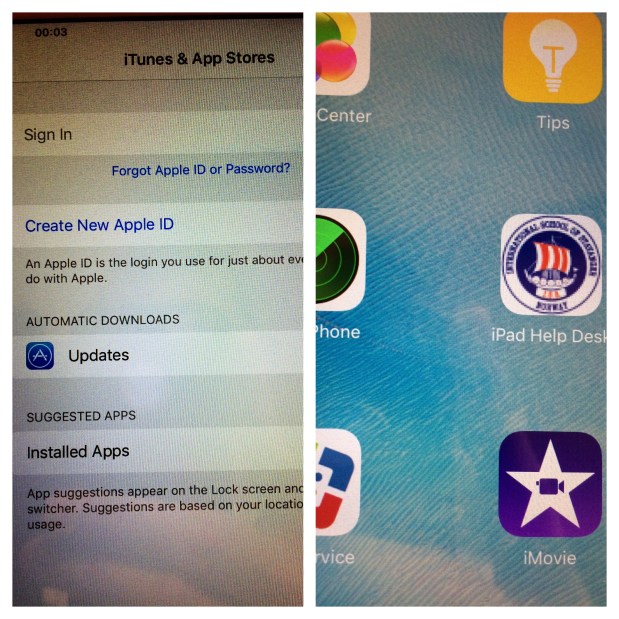
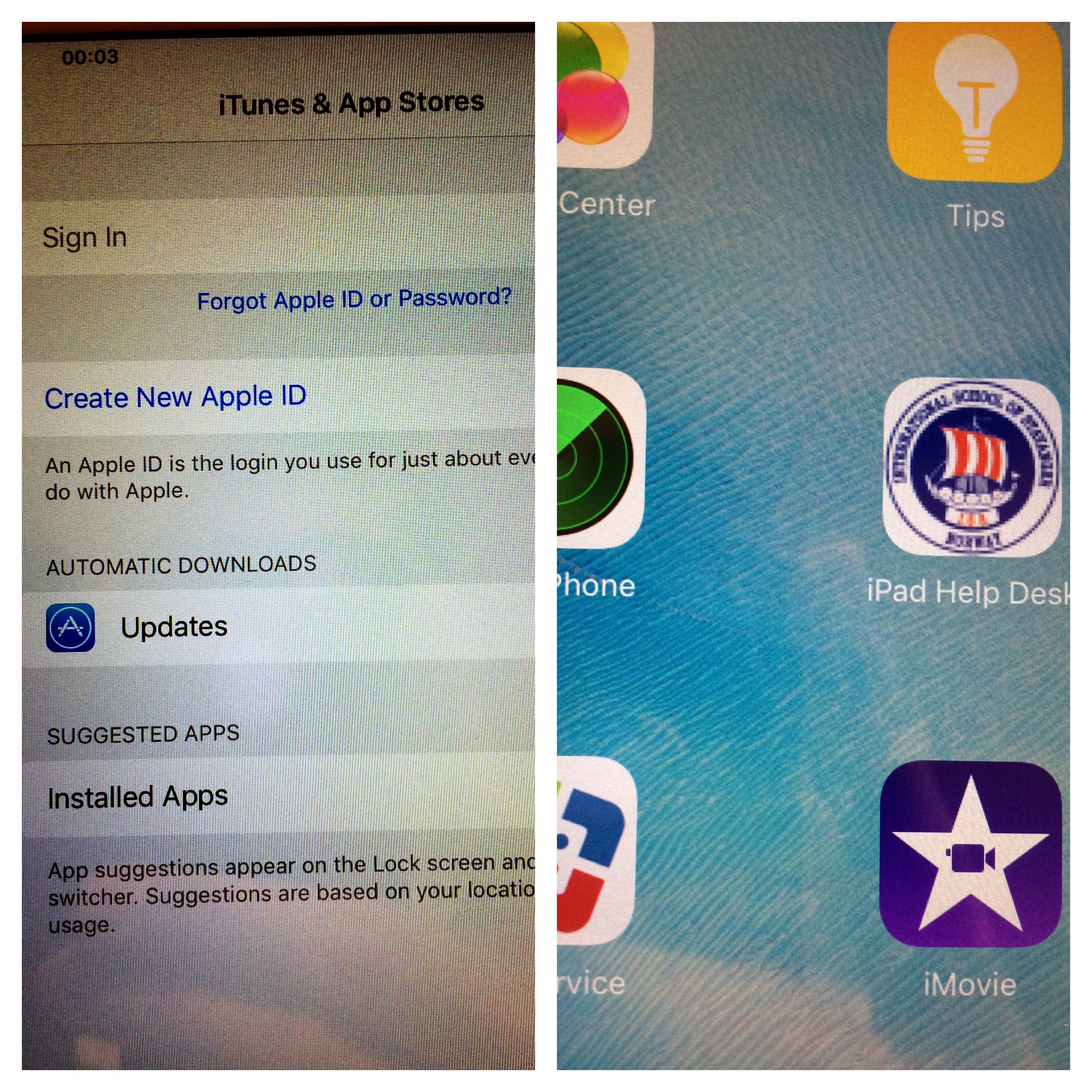
Ever since Apple announced the ability to deploy apps without an Apple ID back in June 2015 I have been excited to test it out. Unfortunately I had to wait for El Capitan and our MDM (JAMF’s Casper Suite) to update in order for this to work. But as of last week I have been able to deploy apps to our iPad with no Apple ID in play. It really is the future of app deployment for places like our school, the International School of Stavanger, and so many other similar organizations. We used to spend hours/days/weeks on helping students create Apple IDs or creating Apple IDs for our mobile iPad carts but we will no longer have to do this. I understand that in the USA you can create Apple IDs in bulk as part of the DEP but this is not an option in Norway. (we have the DEP and VPP just not that feature)
Here are the prerequisites:
Here are the steps I took to make this happen:

You also need to adjust the settings under the app’s VPP tab.
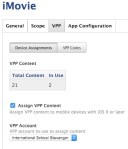
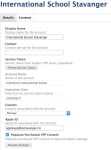
In my testing the app simply started to download. The app does not, of course, appear in anyone’s download history etc. It is truly owned by our organization and is fully revocable.
I am guessing these steps are possible via Apple Configurator 2 but I have not tested that process yet.
Are you using another MDM (I’d specifically like to know how Merki works as I cannot see any options for this in Meraki) and if so, how did things work out for you? Anyone using Apple Configurator 2 to do this? Hit the comments and let me know!

testing testing testing 123

 $.02
$.02 